Making AI-written text easy to handle
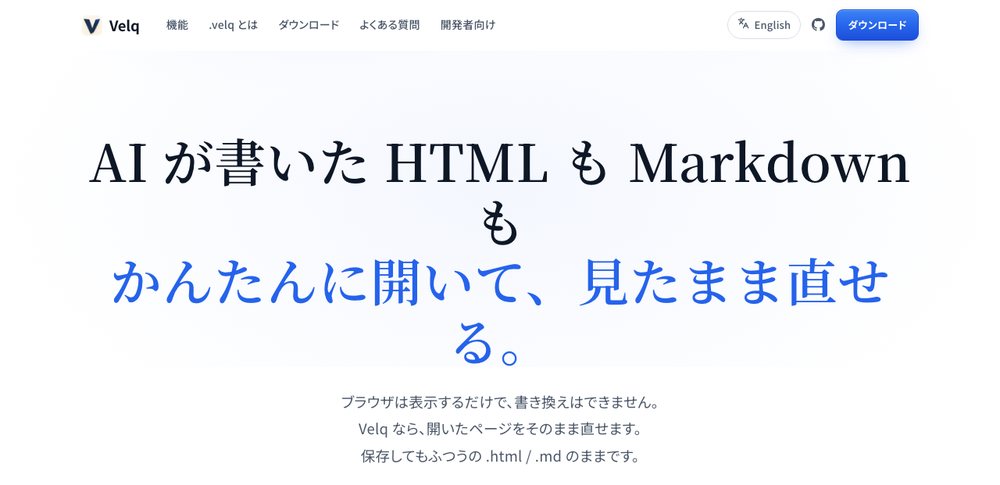
Having AI write HTML and Markdown has become routine. But when you just want to tweak the finished file a little, it's oddly annoying. The browser is display-only, no editing. Open the source in an editor and the look is hard to picture. Velq fills that gap. You add a paragraph or bold a word in the as-you-see-it state, and the change lands properly back in the source. Editing comes in three flavors: source view, split, and Typora-style as-you-see-it.
Hand it over as a single file
The other axis is portability. CSS, JavaScript, images, fonts — all bundled into a single independent .velq file. Move the folder, lose the network, and it still opens to the same page. No account, no cloud. Self-contained, ready to hand to someone as-is. It keeps a version history automatically too, so you can step back to an earlier state, non-destructively, watching word-level diffs.
The concern with how to handle text AI spits out is continuous with my stop-ai-slop-jp. One returns the Japanese inside to human hands; the other makes the container easy to work with.